No. 07 · Section · v1.0.0
Lookbook
Point at the piece.
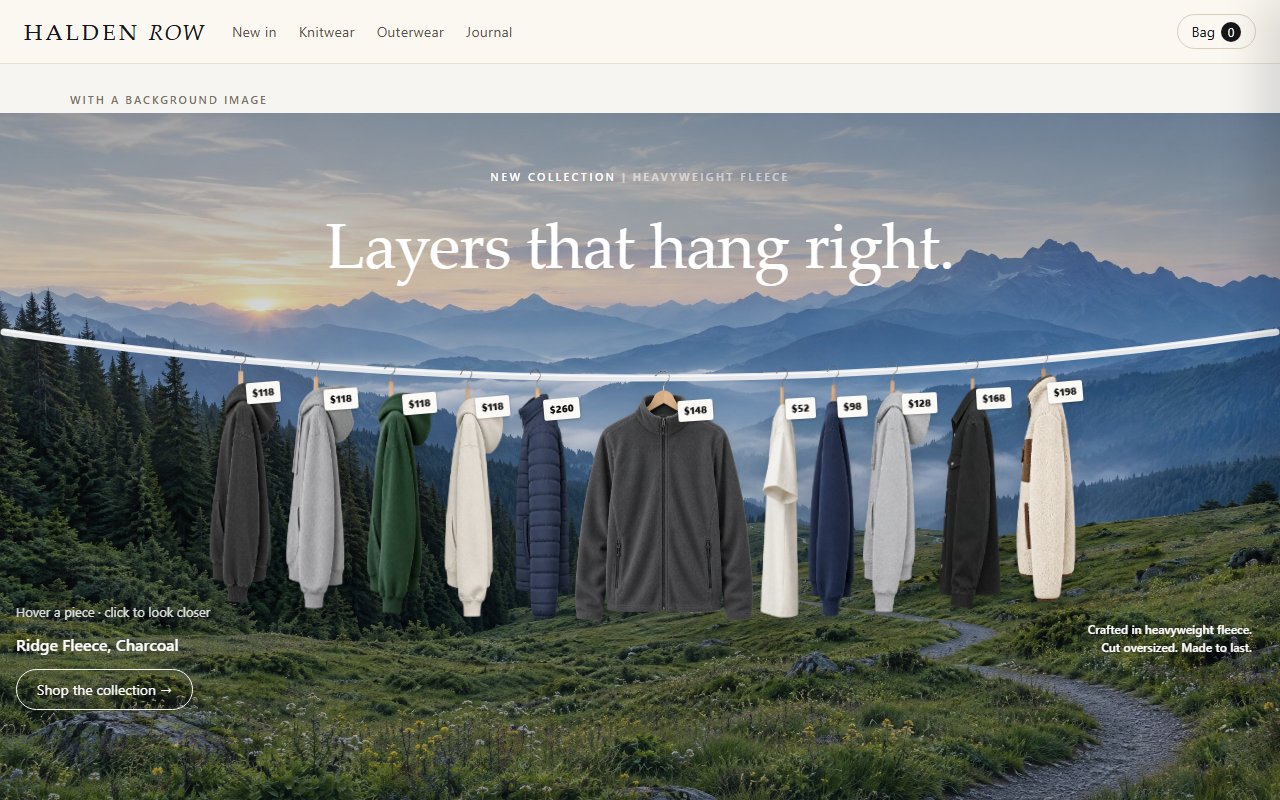
Two photos side by side with pins that reveal each product: photo, name and price, one tap from the product page.
Code complete · live Shopify store test pendingPreview shown with demonstration products and imagery from a fictional store, to show how the section can look once installed and configured. Included files and features are detailed below. The demo bag doesn't touch your Maisonblock bag.
What it does
Lookbook puts "+" pins on two editorial photos. Hover or tap a pin and a small card shows the product's photo, name and price in the store's currency, linking to the product. Cards stay inside the photo near its edges.
Features
- Up to 12 pins across two photos
- Pins placed with two sliders in percent
- Card with photo, name and price
- Hover on desktop, tap on phones, Escape to close
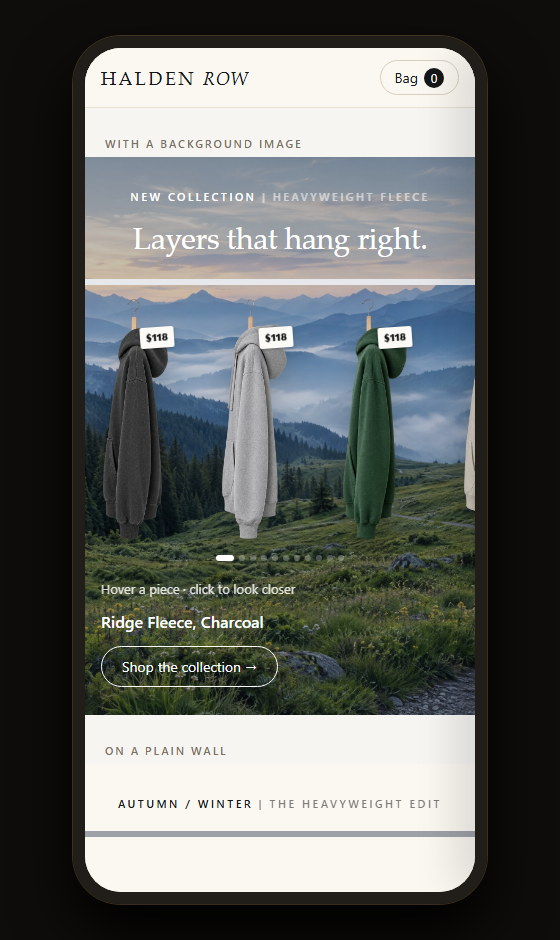
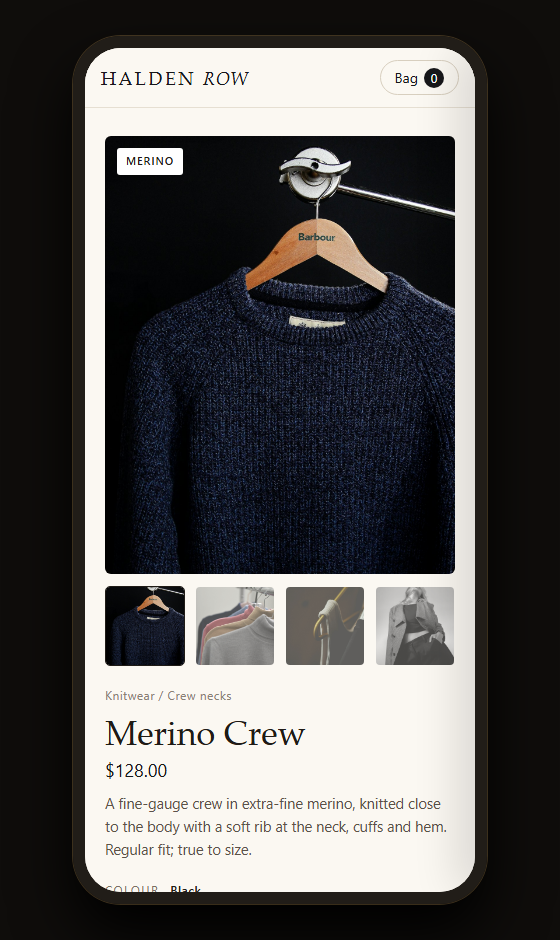
- Stacks on phones
You'll need
- Two photos, ideally the same height
Configuration options
Every setting this piece adds to the theme editor, read straight from its code; up to 12 blocks.
| Theme-editor setting | Type | Default |
|---|---|---|
| Heading | text | Shop the look |
| Left photo | image picker | — |
| Right photo | image picker | — |
| Focus colour | color | #16130F |
| Section padding | range | 0 |
| Each “Pin” block | ||
| Product | product | — |
| Photo | select | left |
| Across (left to right) | range | 50 |
| Down (top to bottom) | range | 40 |
Screens
On desktop and phone
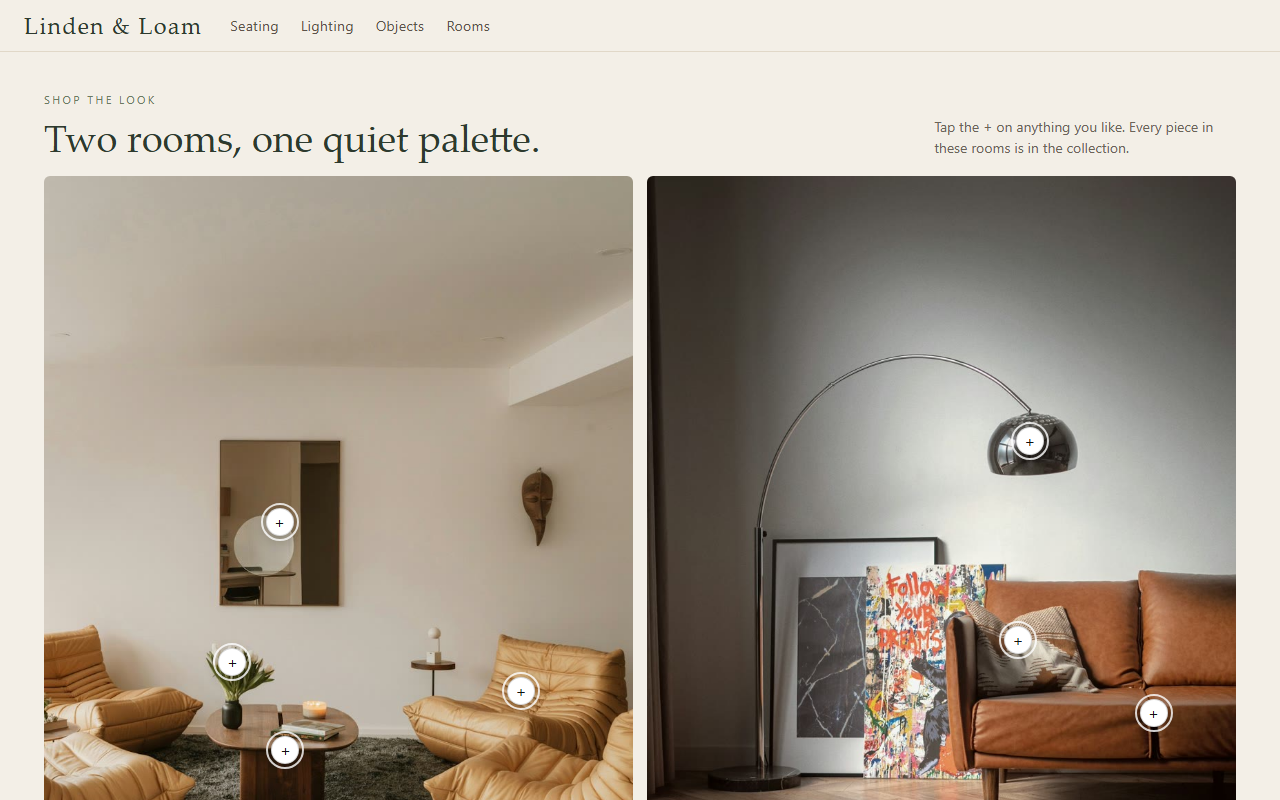
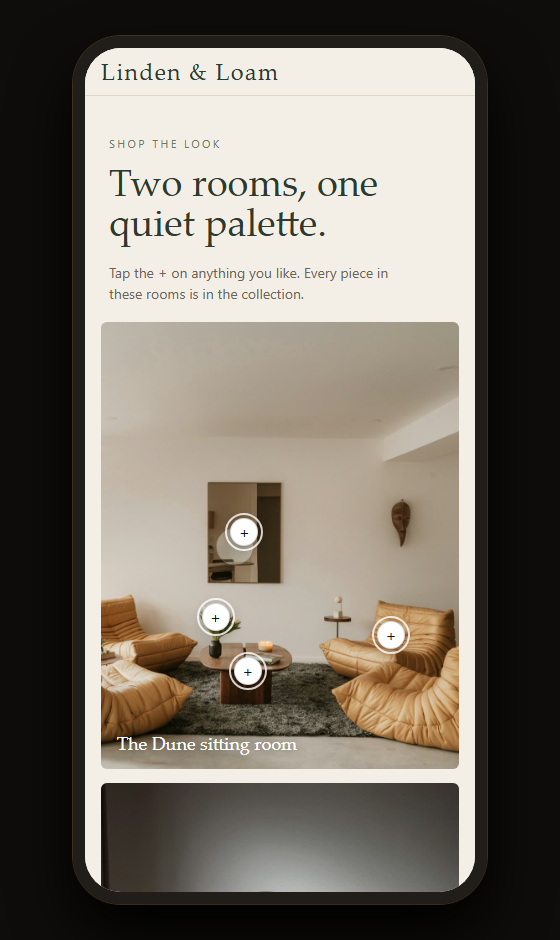
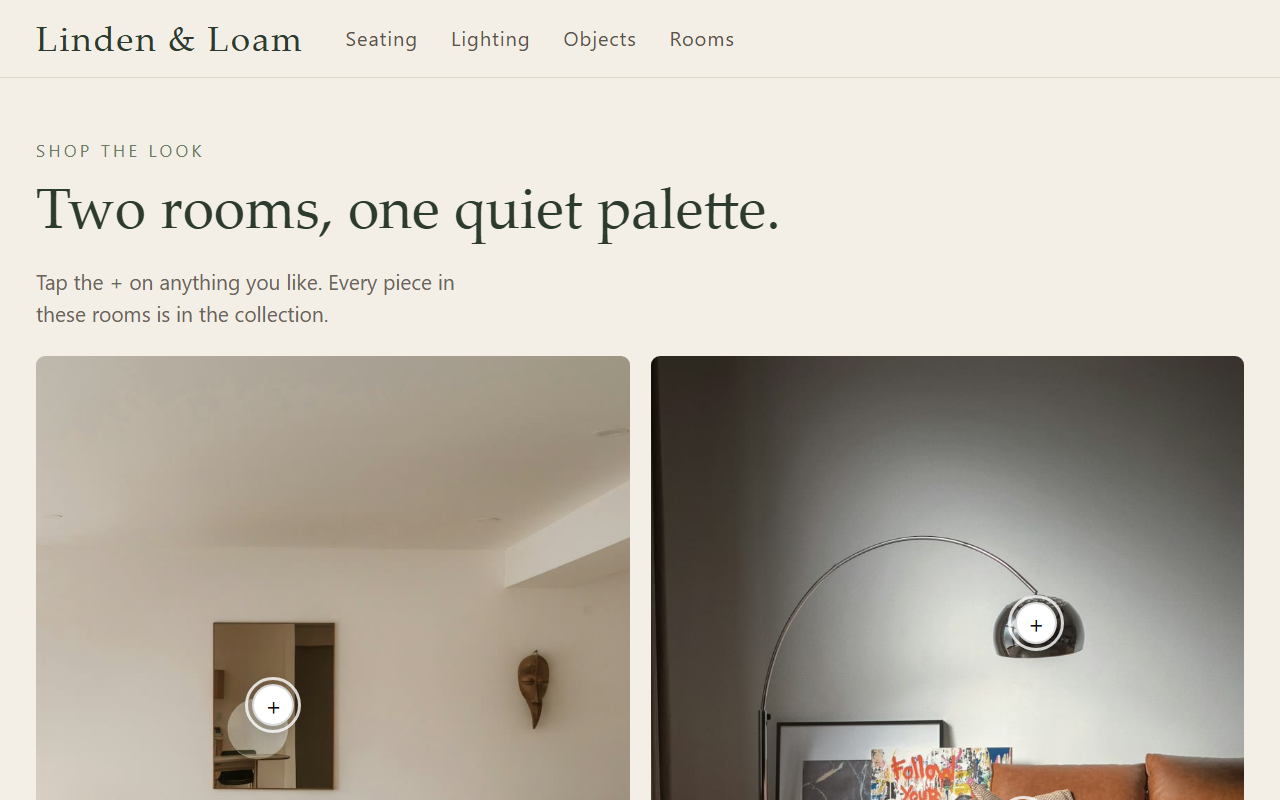
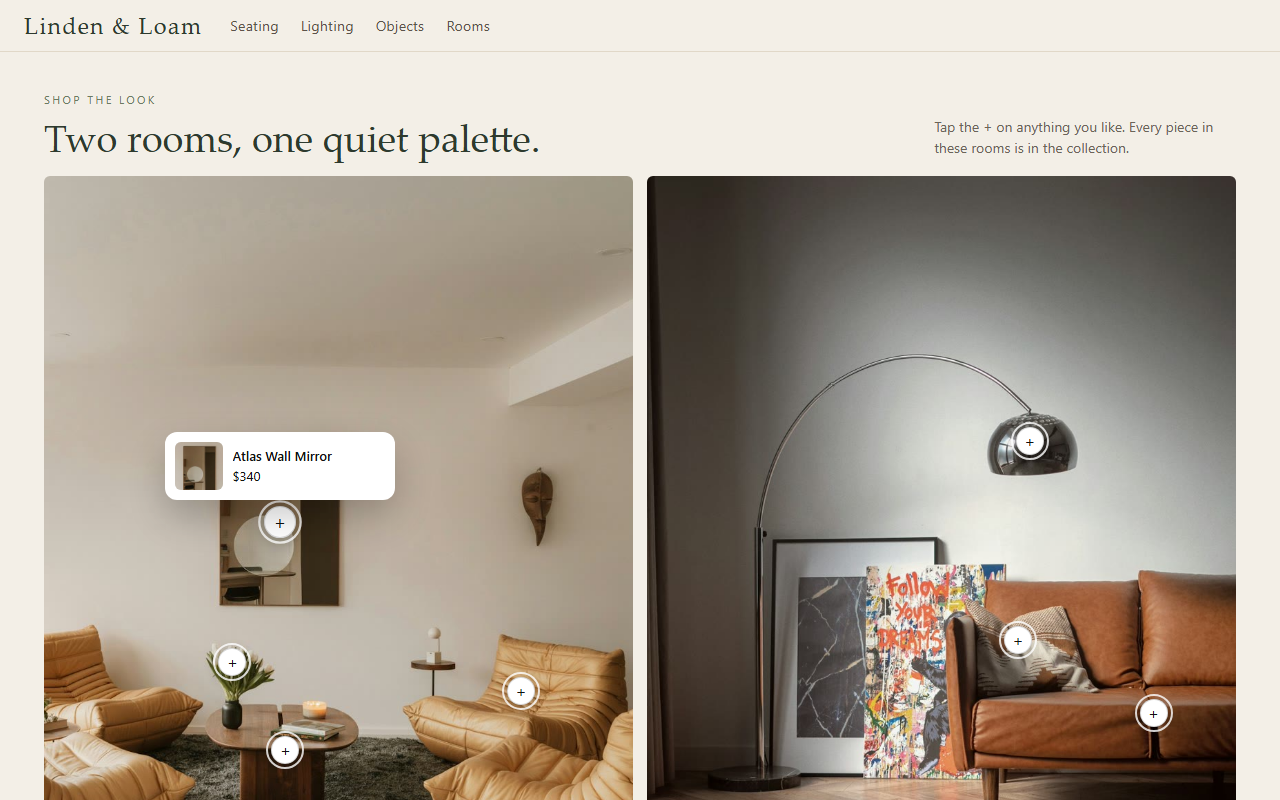
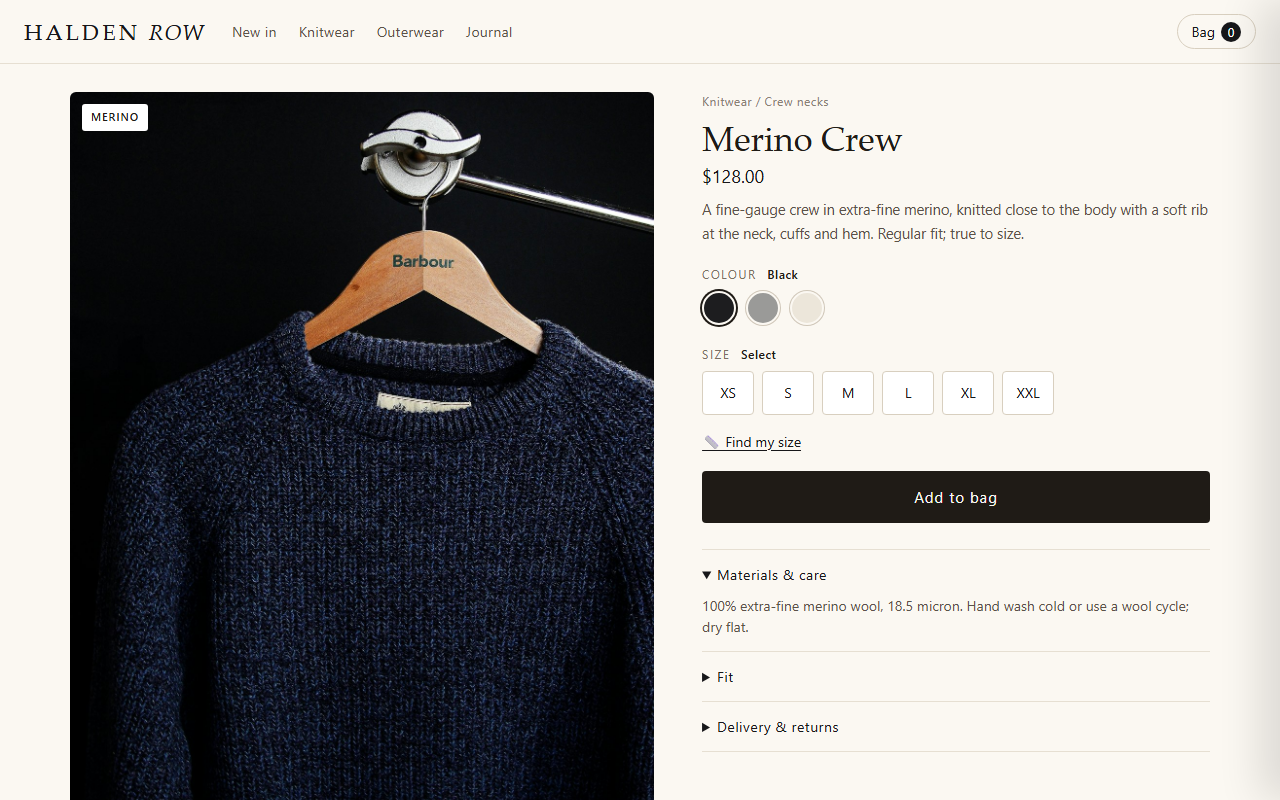
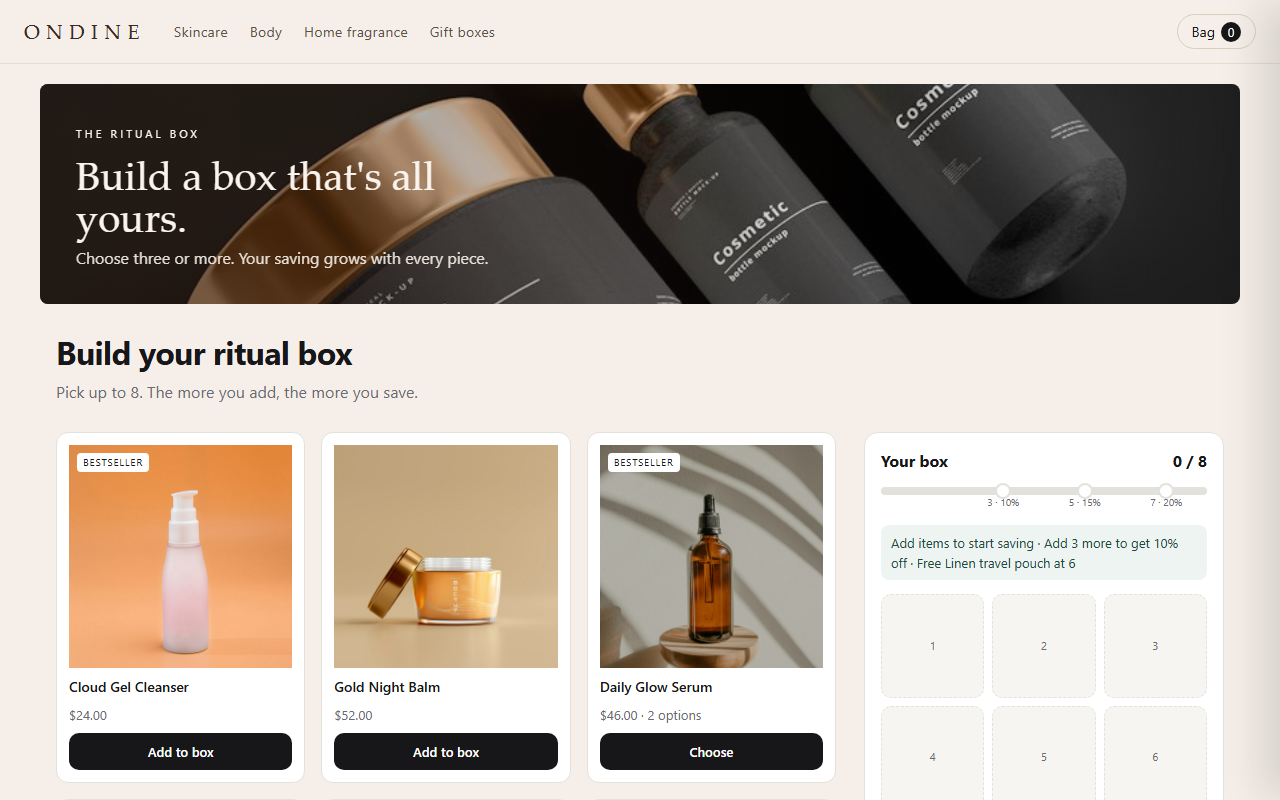
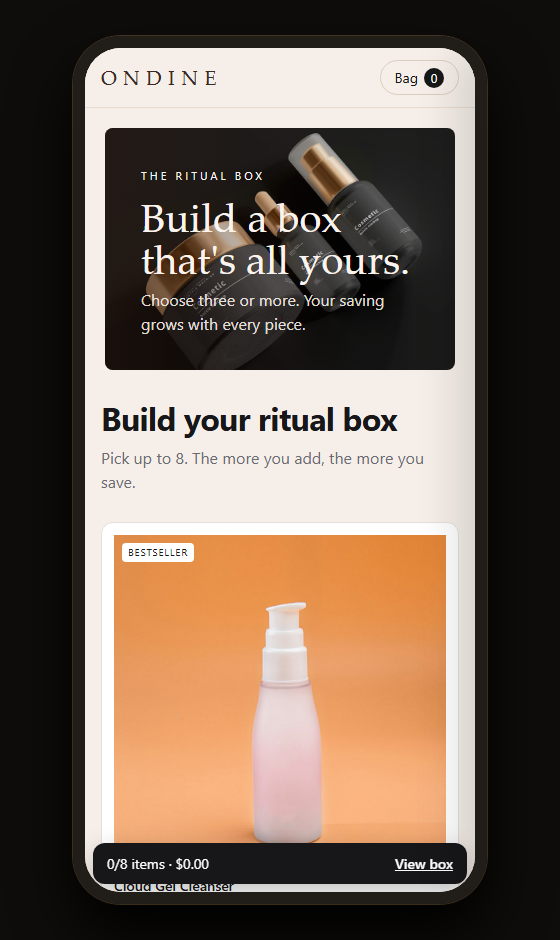
Every image is a capture of the live demo above, unedited. Demo store, products and photography are examples (photos: Unsplash and Pexels).
Questions about Lookbook
Can I use one photo?
It is built for two side by side. A one-photo layout is planned.
More from the house